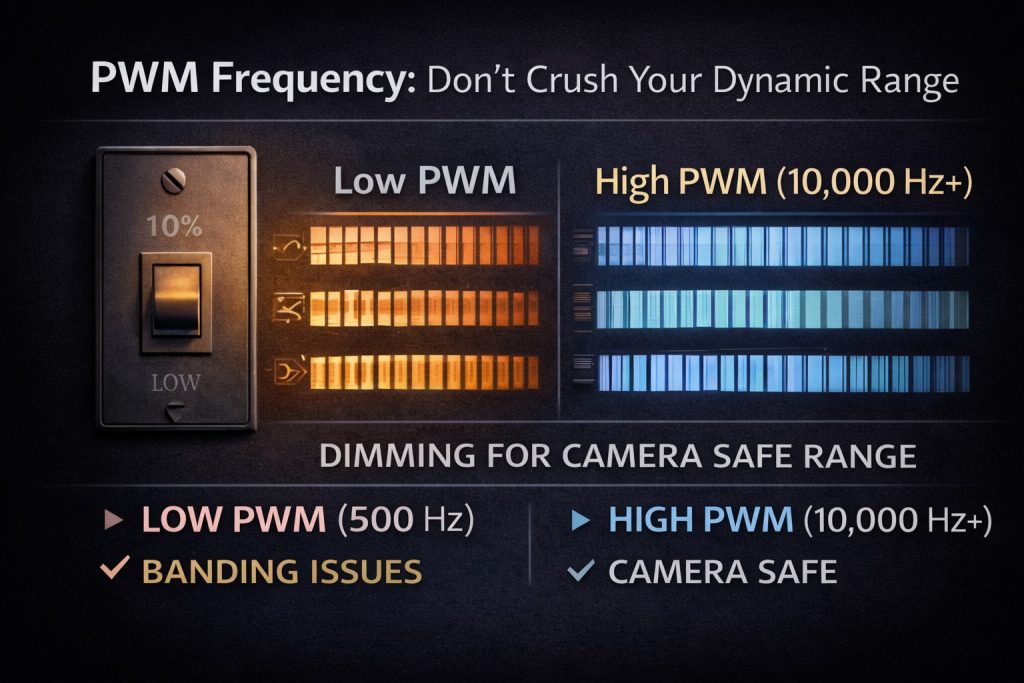
Low PWM = banding, flicker, and rolling lines on camera
Camera-safe PWM range:
Minimum: ~5,000 Hz
Preferred: 10,000–30,000 Hz
If PWM is too low, the wall may look fine at full brightness—but fall apart the moment you dim it.
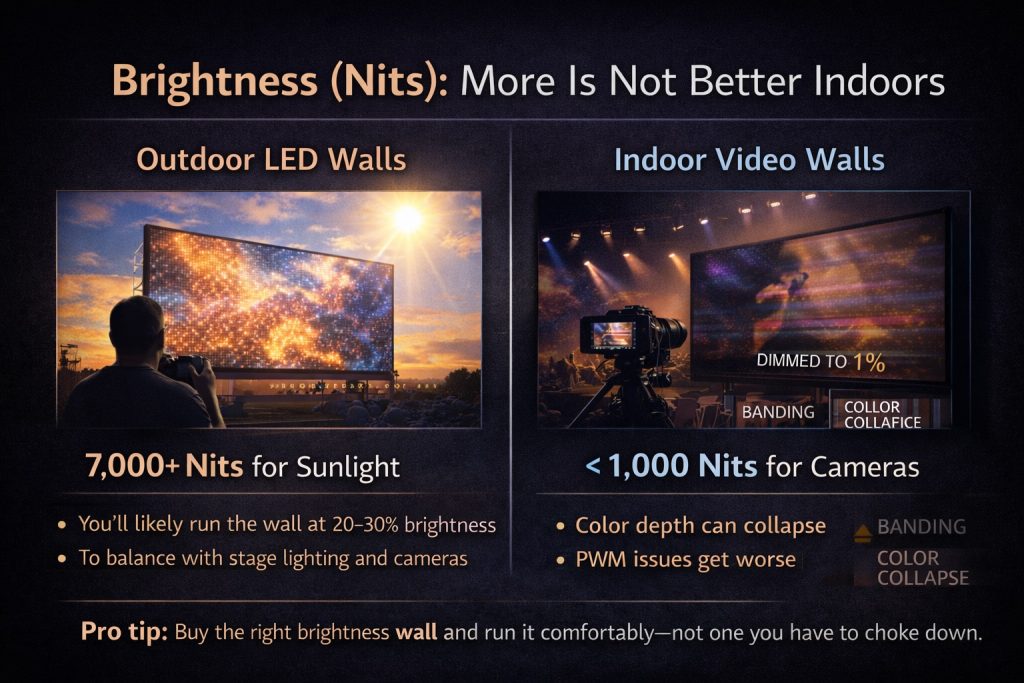
3. Brightness (Nits): More Is
Not
Better Indoors
Brightness is one of the most misunderstood specs.
Outdoor vs Indoor Reality
Outdoor LED walls:
Need extreme brightness to fight sunlight
Indoor video walls:
Should usually be under 1,000 nits
Why?
Because in real life:
You’ll likely run the wall at 20–30% brightness
To balance with stage lighting and cameras
If you buy a super-bright outdoor wall and dim it to 1–5%:
Color depth can collapse
Banding becomes more visible
PWM issues get worse
Pro tip:
Buy the right brightness wall and run it comfortably—not one you have to choke down.
Bottom Line (Camera People, Listen Up)
If you’re responsible for livestream quality, don’t stop at resolution.
Ask these questions every time:
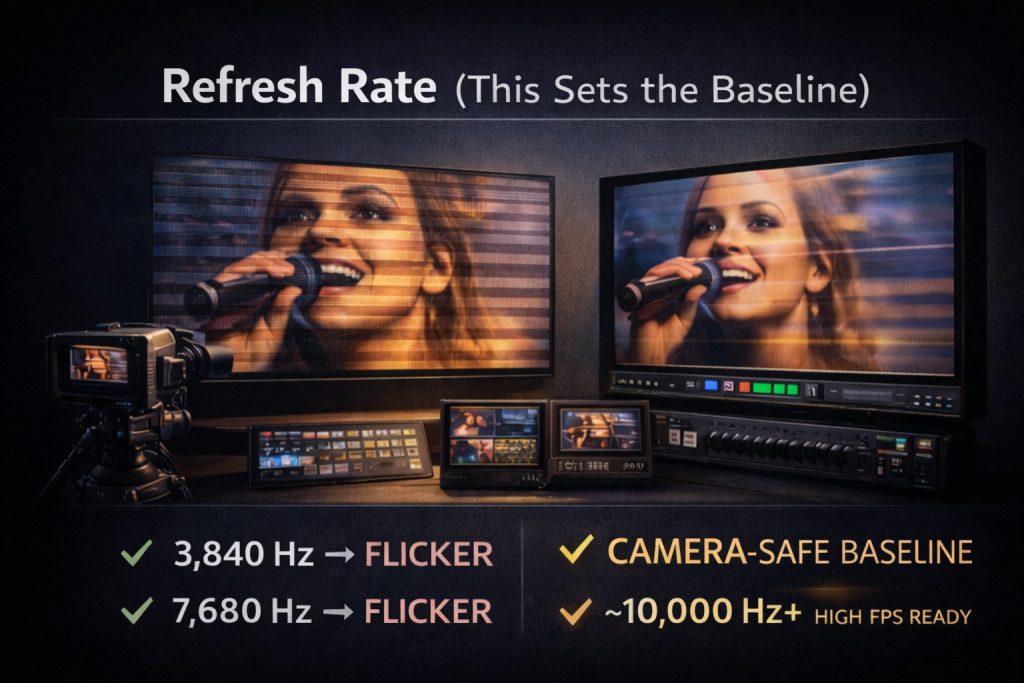
What’s the refresh rate (actual number)?
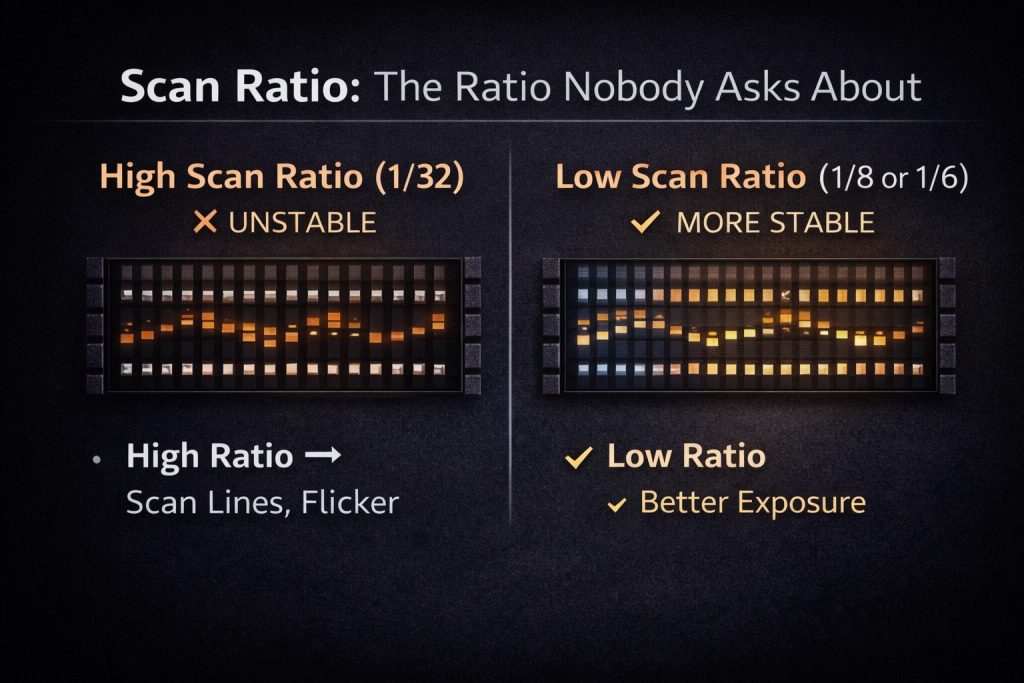
What’s the scan ratio?
What’s the PWM frequency at low brightness?
What brightness range is it designed to operate in?
An LED wall should make your stream better—not turn your shader into a crisis counselor.
Jesse Maitland
A VPN is an essential component of IT security, whether you’re just starting a business or are already up and running. Most business interactions and transactions happen online and VPN
Leave a Replay
About Me
Jesse Maitland is a leader in using technology to build your personal, professional or organizations impact and influence with media. Jesse has worked in broadcasting in television and online creating real impact for millions of people by partnering with his clients to discover and strategize your true passions and purpose. His greatest joy is helping his clients to discover the bigger purpose and monetizing it for the greatest possible impact. He is always willing to ask questions, inspire, educate and build your confidence.